

Why Page Experience Has Become a Deal‑Maker for SaaS
When I first started consulting for SaaS founders, the conversation revolved around keywords, backlink profiles, and content calendars. Fast forward a few releases and Google’s algorithm has quietly shifted the goalposts. Page experience – measured through the Core Web Vitals – is now a direct ranking signal, and for SaaS products that live on the edge of performance (think real‑time dashboards, heavy JavaScript, and data‑intensive UI) the impact can be dramatic.
But there’s a catch: most SaaS teams treat performance as an engineering after‑thought, and SEO teams see it as a “nice‑to‑have.” The reality is that the two worlds are inseparable. A slow‑loading pricing page or a clunky onboarding flow can cost you not just bounce rate – it can cost you rankings, leads, and ultimately ARR.
De‑constructing the Core Web Vitals
Google’s Core Web Vitals are three user‑centric metrics that quantify the loading, interactivity, and visual stability of a page:
- LCP (Largest Contentful Paint) – the time it takes for the main content to appear. Aim for < 2.5 seconds.
- FID (First Input Delay) – how quickly a page responds to the first user interaction. Target < 100 ms.
- CLS (Cumulative Layout Shift) – the amount of unexpected layout movement. Keep it below 0.1.
For SaaS, each metric maps to a business outcome:
- LCP influences trial sign‑up conversions. If the pricing table takes three seconds to render, prospects may abandon before they even see the price.
- FID matters for in‑app actions. A dashboard that feels “laggy” can frustrate power users and increase churn.
- CLS affects perceived quality. Sudden shifts in a help article or knowledge base can erode trust in your brand.
A SaaS‑Centric Checklist for Core Web Vitals
Below is a practical, step‑by‑step checklist that translates the metrics into actionable development tasks. It’s built from my experience scaling dozens of SaaS platforms, and it dovetails nicely with the microservice‑ready technical SEO mindset that many teams already embrace.
- Audit Your Current State – Use PageSpeed Insights, Lighthouse, or Chrome UX Report to get a baseline for every critical URL (pricing, signup, login, dashboard).
- Prioritize High‑Impact Pages – Rank pages by traffic, conversion value, and current Vitals scores. A 2‑second LCP improvement on a page that generates 30 % of trial sign‑ups is worth far more than a similar gain on a low‑traffic blog post.
- Compress and Serve Optimized Assets
- Enable Brotli or gzip compression for HTML, CSS, and JS.
- Serve images in next‑gen formats (AVIF, WebP) and use responsive
srcsetto deliver appropriate sizes. - Leverage a CDN with edge caching to reduce latency for global users.
- Defer Non‑Critical JavaScript – Split your bundle, move analytics and chat widgets to
asyncordefer, and consider server‑side rendering for the first paint. - Optimize LCP Elements
- Make the hero image or primary CTA the first resource to load.
- Pre‑load key fonts and critical CSS.
- Use
link rel="preload"for the biggest image or video element.
- Trim FID with Interaction Readiness
- Break up long JavaScript tasks using
requestIdleCallbackorsetTimeout. - Prioritize event listeners for the most common user actions (e.g., “Start Free Trial” button).
- Adopt a lightweight framework or compile‑time rendering for the initial view.
- Break up long JavaScript tasks using
- Eliminate Layout Shifts for CLS
- Set explicit width/height attributes on images, video, iframes, and ad slots.
- Avoid inserting content above existing content unless you’ve reserved space.
- Use CSS
transformfor animations instead of layout‑changing properties.
- Monitor Continuously – Deploy a “Web Vitals” endpoint that reports real‑time scores to your monitoring stack (Datadog, New Relic, etc.). Alert on regressions before they hit Google.
Prioritizing Changes Without Breaking the Build
Most SaaS engineering teams run continuous deployment pipelines that push code multiple times a day. Adding performance optimizations can feel risky. Here’s how to integrate Core Web Vitals work without stalling your release cadence:
- Feature Flags for Asset Changes – Wrap new compression or image formats behind a flag. Flip it on for a small % of traffic, monitor Vitals, then roll out globally.
- Canary Deployments for Critical Paths – Deploy a lighter bundle to a subset of users. Use the
web-vitalsnpm package to capture FID/LCP in‑flight. - Separate Performance Branches – Create a dedicated “performance‑sprint” branch that only touches assets and build configuration. Merge it back once you have hard data on improvements.
This approach mirrors the semantic topic cluster strategy we often champion: isolate a focused initiative, validate impact, then integrate it into the broader SEO ecosystem.
Case Study: Turning a Laggy Dashboard into a Ranking Asset
One of our SaaS clients ran a multi‑tenant analytics platform with a heavy React front‑end. Their dashboard page had an LCP of 4.2 seconds and a CLS of 0.27, causing a 12 % drop in trial‑to‑paid conversions.
We tackled the problem in three phases:
- Asset Refactoring – Switched from a monolithic JavaScript bundle to code‑splitting via Webpack’s dynamic imports. The critical chart library was lazy‑loaded after the initial UI.
- Image and Font Optimizations – Replaced PNG icons with SVGs and served the main hero illustration as an AVIF file, pre‑loading it with
rel=preload. Fonts were subset to only the glyphs used in the UI. - Server‑Side Rendering (SSR) – Implemented SSR for the first paint, delivering a fully rendered HTML skeleton that reduced LCP to 1.8 seconds.
After a two‑week sprint, the dashboard’s LCP dropped to 1.6 seconds, FID to 78 ms, and CLS to 0.05. Not only did Google lift the page into the “Top‑10” for “analytics SaaS dashboard,” but the client saw a 9 % uplift in trial sign‑ups directly attributed to the performance gain (measured via A/B testing).
Beyond Vitals: The Synergy With Content and Architecture
Performance alone won’t win you the SERP if you don’t have the right content. The sweet spot is where speed meets relevance. Here are a few ways to weave Core Web Vitals into the broader SEO strategy:
- Align Fast Pages With High‑Intent Keywords – Pair your fastest‑loading pricing pages with buyer‑intent terms (“SaaS pricing calculator”). Google rewards relevance and speed together.
- Leverage Structured Data on Accelerated Pages – A JSON‑LD FAQ on a speed‑optimized support article can snag a rich snippet while also loading instantly.
- Use Topic Clusters to Distribute Load – By breaking a massive pillar page into a network of lightweight cluster pages, you reduce the initial payload while preserving topical authority.
Think of Core Web Vitals as the foundation of a skyscraper: without a solid base, even the most beautifully designed façade (your content) will wobble in the wind of Google’s algorithm.
Monitoring and Iterating With Google Tools
Google provides a suite of free tools that make it easier to keep an eye on page experience across your SaaS suite:
- Search Console – Core Web Vitals Report – Shows which URLs fall into “poor,” “needs improvement,” or “good” categories. Filter by “Page Type” (e.g., product, pricing) to focus effort.
- PageSpeed Insights API – Automate periodic checks for new releases. Integrate the API into your CI pipeline to fail builds that push a URL into the “poor” bucket.
- Chrome UX Report (CrUX) BigQuery – Access real‑world user data at scale. Spot trends across browsers, devices, and geographies.
When you combine these data sources with your internal telemetry (error logs, conversion funnels), you can create a feedback loop that continuously aligns performance goals with business KPIs.
Wrapping Up: Make Page Experience a Core KPI
In the SaaS world, speed isn’t just a technical nicety—it’s a competitive moat. By treating Core Web Vitals as a first‑class metric, you align engineering, product, and SEO teams around a shared objective: delivering a fast, frictionless experience that Google loves and prospects convert on.
Start with a single high‑value page, measure, iterate, and scale the lessons across your platform. The result? Higher rankings, lower churn, and a brand perception that says, “We built this for you, not for the algorithm.”

Tammy French is a Montessori Teaching Assistant and freelance writer passionate about education, creativity, and inspiring lifelong learning through engaging content.
Related Posts
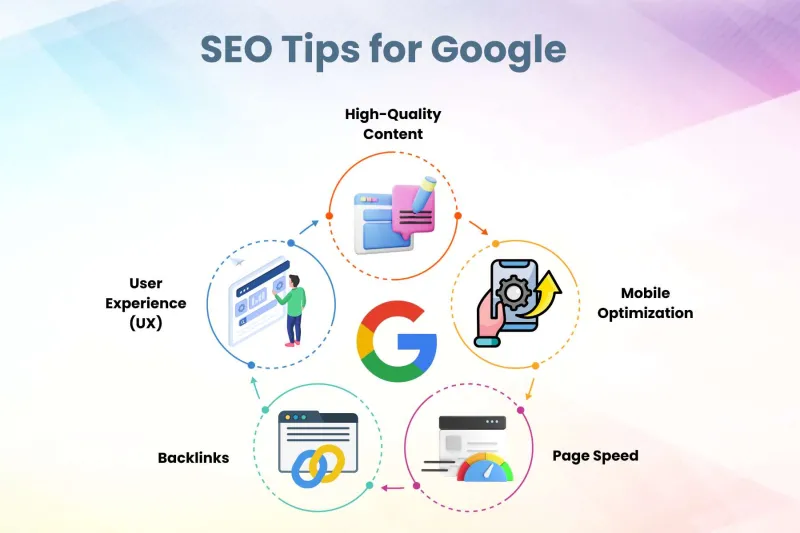
Google SEO Tips and Advice
Mastering Google SEO requires a shift from chasing algorithms to prioritizing user value. This guide... Read More

Mapping Micro‑Moments: A New Blueprint for Google SEO Success
Learn to map micro‑moments to user intent, leverage structured data, and turn fleeting searches in... Read More

The Evolution of Google SEO: A Comprehensive Guide to Staying Ahead
Google SEO is constantly evolving. Stay ahead of the curve with our comprehensive guide to the evolu... Read More
Top Posts

The Untapped Playbook for Dominating Hyperlocal Search
A deep dive into hyperlocal SEO strategies—from schema markup and community partnerships to voice‑search optimization—offering a step‑by‑step plan to ...Read More

Immersive Shopping: The Secret Weapon Driving the Next eCommerce Surge
Immersive technologies like AR try‑ons, 3D configurators, and shoppable live streams are reshaping online retail. Learn a step‑by‑step roadmap to implemen...Read More

Turning the Checkout Afterglow into Gold: Mastering Post‑Purchase Strategies
Unlock the hidden revenue potential after the sale with smart thank‑you pages, upsells, subscriptions, and community building that turn one‑time buyers into...Read More
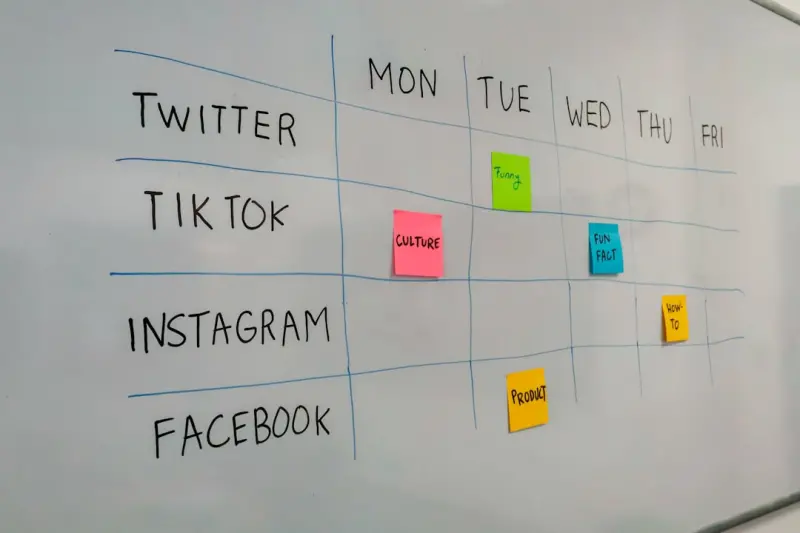
Social Listening as the Engine for Product Innovation and Growth
Discover a step‑by‑step approach to turning everyday social chatter into strategic product decisions, content that ranks, and a brand voice that truly reson...Read More
0 Comments
Post Comment
You will need to Login or Register to comment on this post!