

Why Structured Data Is the Quiet Engine Behind SaaS Rankings
When I first started consulting for SaaS founders, the conversation always boiled down to “keywords, backlinks, and content.” Those three pillars are still vital, but the playing field has shifted. Google now rewards sites that speak its language—its structured data. In plain English: if you can tell Google exactly what a piece of content is about, the search engine can showcase it in richer, more engaging SERP features. The result? Higher click‑through rates, qualified traffic, and, ultimately, more demos booked.
Think of structured data as a résumé for your pages. While traditional SEO is the cover letter that gets you an interview, structured data is the bullet‑pointed list of achievements that lands you the job. For SaaS companies, the most underutilized bullet points are FAQ schema and How‑To schema. Both can turn a bland search result into an eye‑catching widget that answers a prospect’s question before they even click.
The FAQ Schema Playbook: From Support Tickets to Search Gold
Every SaaS product lives and breathes a set of recurring questions: pricing tiers, integration steps, security compliance, you name it. Your support team probably already has a robust help center that houses these answers. The missing link is exposing that knowledge to Google via FAQPage schema.
Step 1: Identify High‑Value Questions
- Pull the top 20–30 queries from your support tickets, live chat logs, and community forums.
- Cross‑reference with Google Search Console’s Search Queries report to surface the ones that already get impressions.
- Prioritize questions that align with buyer intent—think “How does Product X handle SSO?” rather than “Where can I find the logo?”
Step 2: Craft Concise, SEO‑Friendly Answers
Google favors answers that are clear, succinct, and directly address the query. Aim for 40–60 words per answer, and avoid marketing fluff. Use active voice and embed relevant keywords naturally. If a question is about “data residency,” sprinkle in “EU‑based data centers” or “GDPR compliance” where appropriate.
Step 3: Implement the JSON‑LD Markup
Place the JSON‑LD script right before the closing </body> tag of the page where the FAQ lives. A minimal example looks like this:
<script type="application/ld+json">
{
  "@context": "https://schema.org",
  "@type": "FAQPage",
  "mainEntity": [{
    "@type": "Question",
    "name": "How does Product X handle SSO?",
    "acceptedAnswer": {
      "@type": "Answer",
      "text": "Product X supports SAML 2.0 and OAuth 2.0 for single sign‑on, allowing seamless integration with Azure AD, Okta, and other identity providers."
    }
  }]
}
</script>
Google will crawl this markup and, if everything checks out, display your questions directly in the SERP. The visual impact is massive: prospects see your brand name, a concise answer, and a direct link to the full page—all before they even consider the competition.
How‑To Schema: Demonstrating Expertise One Step at a Time
If your SaaS product solves a complex problem, chances are users search for “how to do X with Y.” That’s a perfect opening for HowTo schema. By breaking down a process into discrete steps, you signal to Google that your content is a tutorial, earning a coveted “How‑To” carousel.
Choosing the Right Topics
- Identify workflows that are both common and challenging—e.g., “How to set up automated billing in Product X.”
- Leverage product usage analytics to see where users drop off; those friction points are prime candidates for a How‑To guide.
- Check the SERP for existing “How‑To” results. If the top spots are dominated by generic blog posts, you have an opening.
Structuring the Content
A How‑To article should include:
- A clear title that starts with “How to…”.
- An introductory paragraph that explains the end goal.
- Step‑by‑step instructions, each with a heading (e.g., “Step 1: Connect Your Account”).
- Optional images, GIFs, or short videos that illustrate each step.
- A concluding section that offers next steps or related resources.
Once the content is ready, embed JSON‑LD similar to the FAQ example, but using the HowTo type. Each step becomes an object with @type: “HowToStep”, name, url, and image (if you have visuals).
Beyond FAQ & How‑To: Leveraging Other Rich Snippet Types
While FAQ and How‑To are low‑hanging fruit, SaaS sites can also experiment with:
- Product schema to surface pricing, availability, and reviews directly in search.
- SoftwareApplication schema for version numbers, operating systems, and download links.
- Review schema to showcase customer testimonials in a star rating format.
Each of these markup types can be layered on top of your existing pages without cannibalizing the core content.
Common Pitfalls (And How to Avoid Them)
Implementing structured data sounds easy, but many SaaS teams stumble on the details:
- Over‑optimizing answers: stuffing keywords into FAQ answers can trigger a manual action. Keep it natural.
- Duplicated markup: Adding the same FAQ schema to multiple pages confuses Google. Consolidate or vary the Q&A sets.
- Invalid JSON‑LD: A missing comma or stray bracket will prevent the markup from rendering. Use the Rich Results Test before deploying.
- Neglecting Mobile‑First Rendering: Google’s crawler renders the page as a mobile device. Ensure your markup is visible in the mobile DOM.
Measuring Success: From Impressions to Qualified Leads
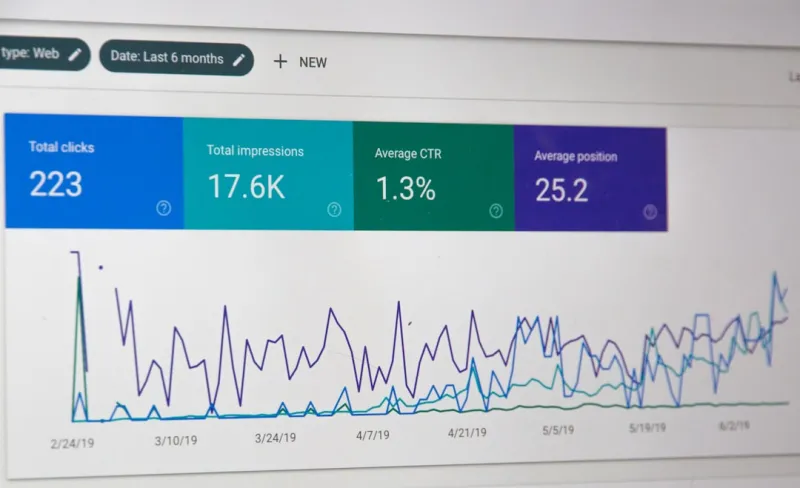
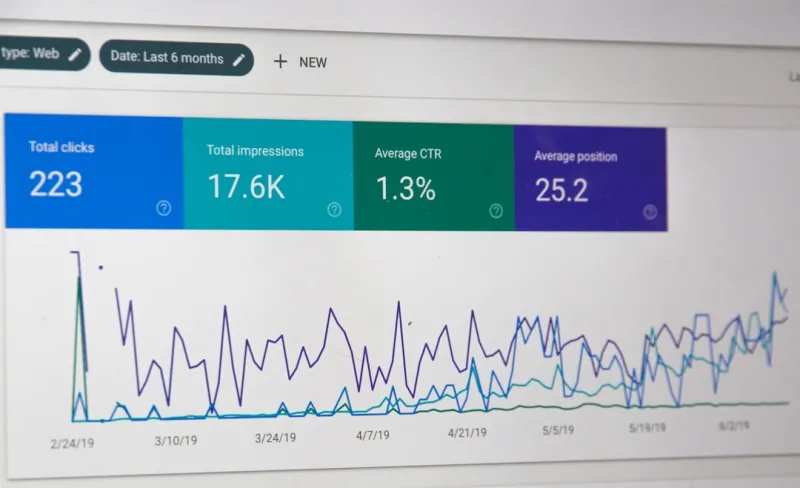
Once your FAQ and How‑To markup is live, it’s time to track performance. Google Search Console now provides a “Rich Results” report that shows:
- Impressions and clicks for each structured data type.
- Average position of the rich snippet.
- CTR lift compared to non‑rich results.
But the ultimate KPI for SaaS is lead quality. Tie the landing page URLs to your CRM or marketing automation platform and monitor:
- Form completions or demo requests originating from rich snippets.
- Time‑on‑page and bounce rate differences between rich and non‑rich traffic.
- Revenue attribution using first‑touch or multi‑touch models.
When you see a consistent uptick in qualified leads from a particular FAQ, you’ve hit the sweet spot.
Integrating Structured Data with Existing SEO Strategies
Structured data should never exist in a vacuum. Here’s how to weave it into the broader SEO tapestry:
- Keyword Mapping: Align each FAQ or How‑To with a primary keyword. This reinforces relevance and supports traditional on‑page SEO signals.
- Content Clusters: Use the semantic SEO approach—group related FAQs under a pillar page, then link back to the detailed answers.
- Link Building: Rich snippets often earn natural backlinks because they’re seen as authoritative resources. Promote your FAQ pages in newsletters and partner sites.
- Zero‑Click Optimization: Remember that zero‑click SERP features are becoming the norm. Structured data is the gateway to those positions.
Future‑Proofing Your Structured Data Strategy
Google is an ever‑evolving platform. Recent experiments with “Answer Cards” and “Step‑by‑Step” widgets indicate that the search engine is hungry for more granular, machine‑readable content. By establishing a solid foundation of FAQ and How‑To markup now, you’ll be ready to adopt new schema types as they roll out—be it FAQPage with Video or HowToStep with Audio. The key is to keep an eye on the Google Search Central blog and iterate quickly.
Wrapping Up: Turn Your Knowledge Base into a Traffic Magnet
In the SaaS world, the battle for mindshare happens before a prospect even lands on your pricing page. Structured data gives you a front‑row seat in that battle, allowing Google to showcase your expertise directly in the search results. By systematically deploying FAQ and How‑To schema, you’ll not only boost visibility but also attract high‑intent visitors who are already primed to convert.
Take the first step today: audit your help center, pick three high‑value questions, and publish them with proper markup. In a few weeks, you’ll see those rich snippets light up in the SERPs, and with them, a steady stream of qualified leads that bypass the noise and head straight for your sales funnel.

William Roy is a freelance writer originally from Montreal who moved to Ottawa with his wife of 50 years to be closer to their grandkids. Alongside his writing, William has a passion for fishing.
Related Posts

Unlocking Google Discover for SaaS Growth: A Practical Guide
Discover offers SaaS companies a hidden, interest‑driven traffic source. This guide explains the s... Read More
The Evolution of SEO: How to Stay Ahead in 2024
The world of SEO is constantly evolving. Stay ahead of the competition by learning the latest trends... Read More
Google SEO in 2024: Kelly Reynolds’ Insider Forecast
Kelly Reynolds reveals the 2024 Google SEO playbook: mastering E‑E‑A‑T, mobile‑first, highâ€... Read More
Top Posts

Turning Real-Time Social Listening into a Strategic Advantage
Learn why real‑time social listening is essential, how to build a scalable listening system, and ways to turn insights into agile content, advocacy, and measu...Read More

Predictive Content Sequencing: Delivering the Right Message at the Perfect Moment
Predictive content sequencing uses AI to match the right asset with each prospect’s exact stage, delivering personalized experiences across channels and accel...Read More

Why the Post‑Purchase Moment Is the New Front Door for eCommerce Growth
The post‑purchase phase is a goldmine for eCommerce brands. Learn how thoughtful follow‑up, personalized upsells, community hubs, and immersive tech can boo...Read More

International SEO Playbook for SaaS Companies: Grow Beyond Borders
Discover a step‑by‑step international SEO strategy for SaaS firms, covering market research, technical setup, content localization, link building, and measu...Read More
0 Comments
Post Comment
You will need to Login or Register to comment on this post!