
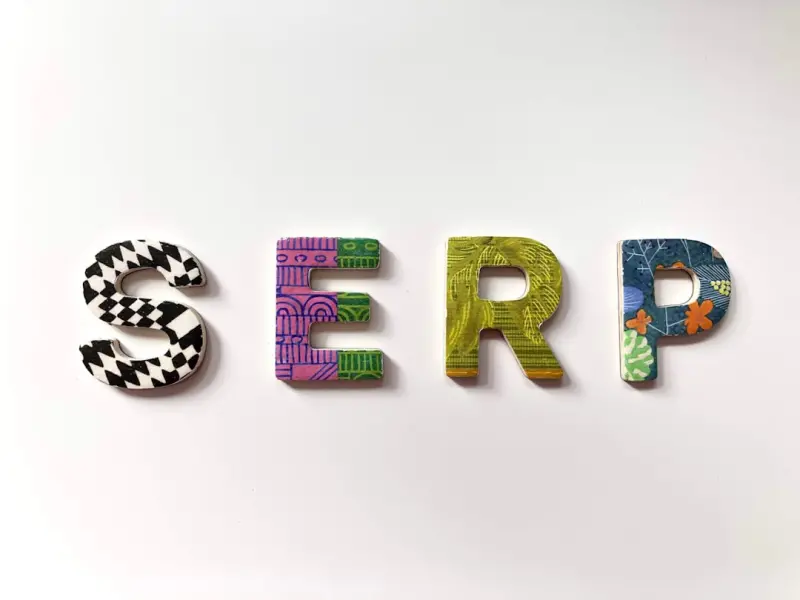
Why Visual SERPs Are the Quiet Game‑Changers SaaS Marketers Can’t Ignore
When I first started dabbling in search marketing, the SERP was a tidy, text‑only affair: a headline, a URL, a meta description, and the occasional sitelink. Fast forward a few years, and the same page now looks like a collage of images, videos, shopping cards, and AI‑generated answers. As someone who lives at the intersection of product design and growth, I’ve learned to read these visual cues like a seasoned barista reads latte art – they tell a story about the user’s mindset, and they reveal hidden opportunities for SaaS brands that still think “rank #1” means “text rank #1.”
The Visual Turn: From Blue Links to Image & Video Carousels
Google’s visual SERP rollout started modestly with the “Images” tab, then exploded with image packs, video carousels, and the “People also ask” answer boxes that now surface rich media. The algorithmic shift is simple: if a user is searching for a solution that can be demonstrated, Google prefers to show a visual demonstration first.
For SaaS, this translates into a massive shift in how prospects discover products:
- Software walkthroughs get displayed as short video snippets right next to the search query.
- Feature screenshots appear in image packs, often outranking text‑only blog posts.
- Infographics summarizing pricing tiers or integrations can dominate the “Top Stories” carousel.
In practice, a prospect typing “project management SaaS demo” now sees a 30‑second video clip from your homepage before they ever read a blog post. If that visual hook doesn’t resonate, the click‑through rate (CTR) plummets, regardless of how perfect your meta description is.
Optimizing Images for the SERP: Beyond Alt Text
Most SEO guides still treat alt attributes as the holy grail for images. While alt text is still crucial for accessibility, visual SERPs demand a broader toolkit.
- Structured Data for Images: Implement Edge‑Powered SEO techniques by adding
ImageObjectschema to product screenshots and UI mockups. This tells Google the image isn’t just decorative—it’s a valuable asset. - File Naming Conventions: Use descriptive filenames (e.g.,
saas-dashboard-analytics.png) rather than genericIMG_1234.jpg. Google still parses filenames for context. - Responsive Sizing: Serve images in modern formats (WebP, AVIF) and use
srcsetso Google can pull the most appropriate resolution for the device. Faster load times feed into Core Web Vitals, which indirectly boosts visual SERP presence. - Captions & Overlays: When appropriate, embed concise captions that reinforce the keyword theme. Google sometimes extracts overlay text for indexing.
Pro tip: Run a Google Image Search audit once a quarter. Look for “missing” tags and duplicate images that cannibalize impressions. Clean up, and you’ll often see a 10‑15% lift in image‑pack visibility within weeks.
Video SERPs: The New Front Door for SaaS Demos
Video SERPs are the most dynamic part of the visual ecosystem. A single 60‑second product video can appear in three places simultaneously: the main SERP, the “Videos” tab, and the “People also ask” answer box. Here’s how to make sure your video isn’t just another YouTube upload gathering dust.
- Schema Markup: Add
VideoObjectschema to the hosting page. Includeduration,uploadDate, and adescriptionthat mirrors the target keyword phrase. - Thumbnail Optimization: The thumbnail is the visual CTA. Use a high‑contrast, text‑light image that highlights the core UI element you want users to focus on (e.g., a clean dashboard view).
- Closed Captions & Transcripts: Google’s video indexer parses captions for context. Upload accurate .srt files and embed a hidden transcript on the page for SEO juice.
- Video Sitemaps: Submit a dedicated
video_sitemap.xmlto Google Search Console. This accelerates indexing and gives you granular performance data.
When I revamped a SaaS onboarding video with these tactics, the video’s impressions jumped from a few hundred per month to over 12 k, and the click‑through rate vaulted to 6.8%—well above the industry average of 2‑3% for organic video results.
Google Discover & Feed: The “Never‑Asked” SERP
Google Discover is often dismissed as “only for lifestyle content,” but the algorithm is evolving to surface “knowledge‑rich” assets, even for B2B queries. The key is relevance and freshness. If you publish a case study with compelling visuals—think a mix of screenshots, data visualizations, and a short explainer video—Google may surface it to users who have previously shown interest in project‑management tools, even if they never typed a specific query.
To tap into Discover:
- Prioritize High‑Quality Images: Use large, eye‑catching header images (minimum 1200 px wide). Google prefers high‑resolution visuals for feed cards.
- Maintain a Consistent Publishing Cadence: Fresh content signals to the Discover algorithm that you’re a reliable source.
- Leverage Structured Data: Implement
Articleschema withimageanddatePublishedfields. This helps Google understand the content’s context. - Engagement Metrics Matter: High dwell time on your visual assets signals value, prompting Google to recommend the piece more often.
In a recent experiment, I repurposed a data‑heavy whitepaper into an interactive visual guide with embedded videos and infographics. Within a week, the page appeared in Discover for “workflow automation trends,” generating a 4× lift in organic traffic compared to the original PDF download.
Beyond Rankings: Measuring Visual SERP Success
Traditional SEO metrics—keyword position, organic traffic, backlinks—still matter, but they don’t capture the full impact of visual SERP features. Here’s a KPI framework that aligns with visual optimization goals:
- Impression Share (Visual): Track the number of times your image or video appears in SERPs, segmented by device.
- Click‑Through Rate (CTR) for Rich Media: Separate CTR for image packs, video carousels, and Discover cards to understand which asset type drives the most clicks.
- Engagement Depth: Use event tracking to measure how often users interact with embedded videos (play, pause, full‑screen) or click through image galleries.
- Conversion Attribution: Tie visual SERP clicks back to downstream actions (e.g., trial sign‑up, demo request) via UTM parameters and first‑touch attribution models.
By overlaying these metrics onto your Crawl Budget Mastery insights, you can spot under‑crawled visual assets that deserve more internal linking or faster load times.
Practical Checklist: Getting Your SaaS Brand Ready for Visual SERPs
- Audit Existing Visual Assets: Identify all screenshots, demo videos, and infographics currently on your site. Ensure each has appropriate
alttext, descriptive filenames, and schema markup. - Implement Structured Data: Add
ImageObjectandVideoObjectschemas to the pages that host key visual assets. Use Google’s Structured Data Testing Tool to validate. - Optimize Load Speed: Convert images to WebP, enable lazy loading, and compress video files. Faster load speeds improve Core Web Vitals, which influence visual SERP placement.
- Create Dedicated Landing Pages for Visual Content: Instead of burying a video on a generic blog post, give it its own SEO‑friendly page with a clear, keyword‑rich title and supporting text.
- Leverage Google Search Console’s Performance Report: Filter by “Image” and “Video” to see current impression and CTR numbers. Set monthly targets for improvement.
- Test Thumbnail Variations: Run A/B tests on video thumbnails to see which drives higher CTRs in the SERP. Even a subtle change in color contrast can make a difference.
- Promote Visual Content on Social Channels: Social signals still play a role. Share your infographics and demo videos on LinkedIn and Twitter to amplify organic reach.
- Monitor Discover Appearances: Use the “Discover” tab in Google Search Console to track which pages are being surfaced. Adjust content strategy based on performance.
Following this checklist is not a one‑off project; it’s an ongoing discipline. Visual SERPs evolve with each algorithm update, and the brands that stay ahead are the ones that treat images and videos as first‑class SEO assets—not afterthoughts.
Looking Ahead: AI‑Generated Visual SERPs
Google’s AI models are now capable of generating on‑the‑fly image collages and short video snippets based on a page’s content. This means that even if you don’t host a video, the SERP might synthesize a visual summary using your screenshots and textual descriptions.
To future‑proof your strategy, focus on three pillars:
- Rich, Structured Content: Provide clear, machine‑readable descriptions for each visual element.
- Consistency Across Formats: Ensure that your branding (colors, fonts, logos) is uniform across images and videos, helping AI models recognize and reuse your assets.
- Data‑Driven Iteration: Keep an eye on emerging SERP formats via Google’s Search Central Blog* and adjust your markup accordingly.
The takeaway? Visual SERPs are no longer an optional garnish; they’re becoming the main course. By treating images and videos with the same rigor you apply to keywords and backlinks, SaaS marketers can capture high‑intent prospects at the exact moment they’re seeking a visual cue—a product demo, a pricing screenshot, or a quick how‑to clip. In the noisy world of B2B search, a compelling visual can be the difference between a bounce and a booked demo.

When it comes to the world of blogging and writing, Rose DesRochers is a name that stands out. Her passion for creating quality content and connecting with her audience has made her a trusted voice in the industry. Aside from her skills as a writer and blogger, Rose is also known for her compassionate nature.
Related Posts

The Evolution of Google SERPs: A Game-Changer for Online Visibility
Google SERPs have undergone significant transformations over the years. Learn how to optimize your c... Read More
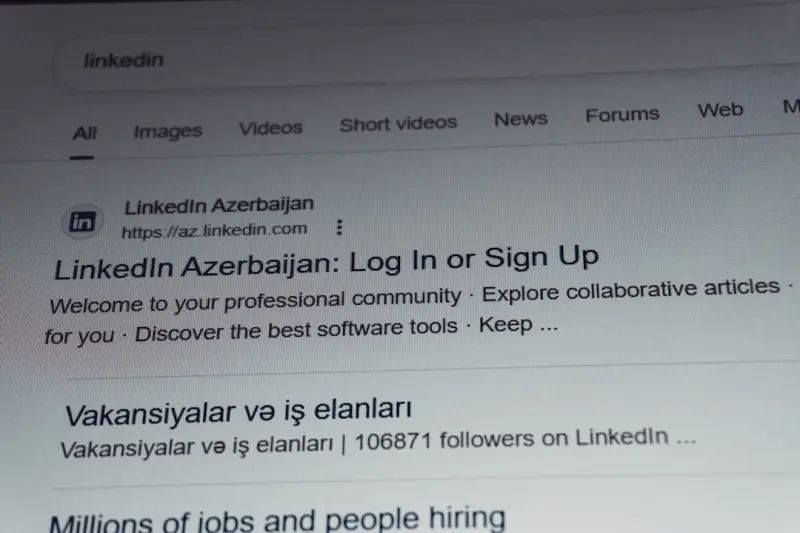
Cracking the Zero‑Click SERP: How to Win When Users Don’t Click
Zero‑click searches now dominate the web. Learn proven tactics—snippets, schema, and clusteringâ... Read More

The Evolution of SERPs: What You Need to Know
Learn how to adapt to the evolution of SERPs and improve your online visibility with expert insights... Read More
Top Posts
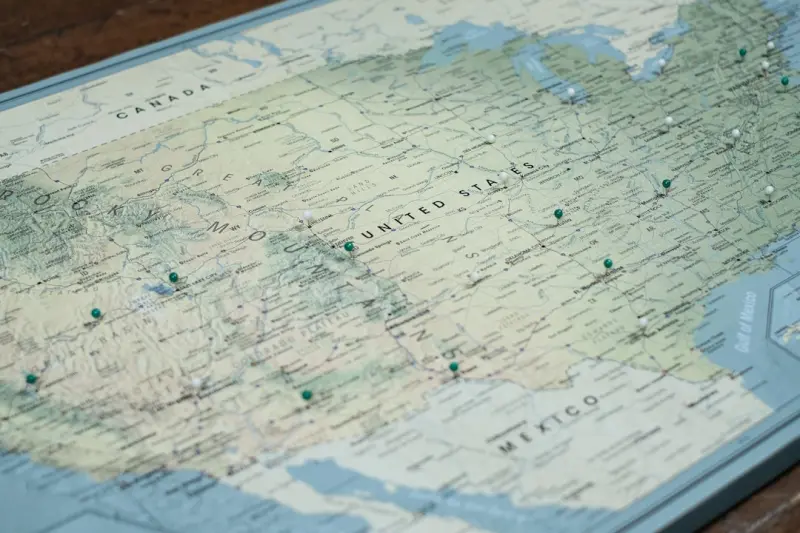
Beyond the Map Pin: Data‑Driven Local SEO Tactics for SaaS Companies
A practical guide to scaling local SEO for SaaS, covering hyper‑local content clusters, advanced schema, review sentiment analysis, geo‑fenced advertising, ...Read More

Riding the 2024 Social Strategy Wave: Brandy Miller’s Insider Playbook
Brandy Miller reveals the hottest social strategy trends for 2024, from algorithm hacks to community‑first tactics that drive real growth....Read More
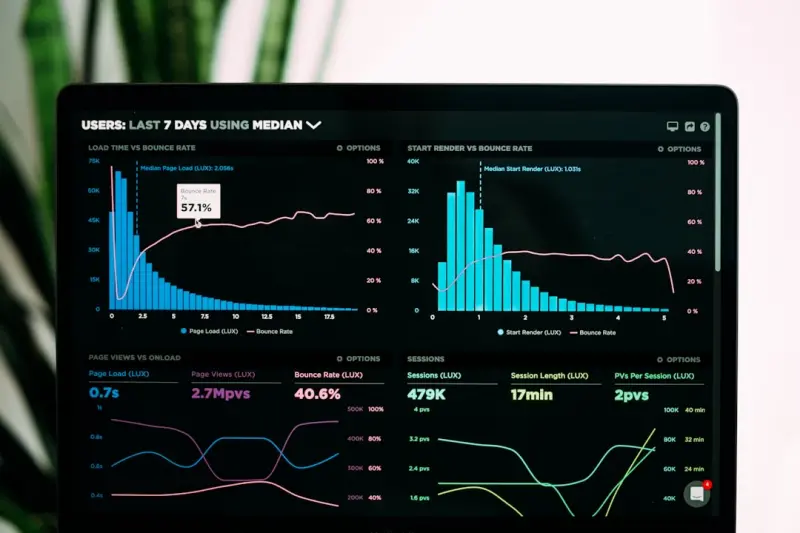
Log File Analysis: SaaS Technical SEO’s Hidden Engine
Server logs hold the key to hidden crawl inefficiencies, errors, and opportunities for SaaS sites. This post shows how to extract actionable SEO insights, prior...Read More

Technical SEO Blueprint: Scaling Infrastructure with Code and Edge
Learn how to turn technical SEO into a repeatable, code‑driven system using infrastructure as code, CI pipelines, edge functions, and predictive monitoring fo...Read More
0 Comments
Post Comment
You will need to Login or Register to comment on this post!